Different types of RAM explained
Random access memory (RAM) comes in different generations, shapes, sizes and speeds.
Understanding the differences between the different types is essential when you want to upgrade a computer or build a new one. If you get the wrong RAM, your system may not work.
SRAM vs DRAM vs ECC
What is SRAM?
Static random access memory (SRAM) stores data using a six-transistor memory cell. SRAM is frequently used as cache memory for the central processing unit (CPU) and is not typically replaceable by users.
What is DRAM?
Dynamic random access memory (DRAM) stores data using a transistor and capacitor pair, which make up a single DRAM cell. Most user-replaceable memory modules are DRAM.
DRAM is less expensive to produce but is slightly slower than SRAM. That’s why it’s mainly used for short-term data storage.
What is ECC?
Error-correcting code (ECC) is a type of DRAM with an additional cell to detect and correct random faults. ECC memory is user replaceable. This is normally found in workstations and servers and can be a type of server RAM.
When adding new memory, it's essential that you make sure it’s compatible with your system and other computer hardware, and also understand the differences between ECC and non-ECC memory.
Data rates: SDRAM and DDR explained
What is SDRAM?
Synchronous dynamic random access memory (SDRAM) was developed in response to increased speeds in other computer components. SDRAM is a form of DRAM where the operation of the external interface is synchronised by an clock signal, hence the name.
Previously, memory had to be asynchronous, meaning it operated independently of the processor. Synchronous memory synchronizes the memory module's responses with the system bus.
What is DDR?
As the speed of computer components have increased, memory speeds also improved. Double data rate (DDR) memory was introduced to consumers in 2000, prompting the previous technology to become known as single data rate (SDR).
DDR memory transfers data to the processor on both the rising and falling edges of the clock signal. This makes double data rate memory significantly faster – and more energy-efficient – than single data-rate memory, which uses only one edge of the clock signal to transfer data. Since DDR is faster and uses less energy than SDR, it quickly became the new standard for memory innovation.
It's also worth pointing out that double data rate memory differs from dual-channel memory.
DDR generations
Each successive generation of DDR memory is faster and uses less energy than the one before it.
Today, most computers can get by using DDR3, while most high-end gaming and data-intensive creative content computers now use DDR4.
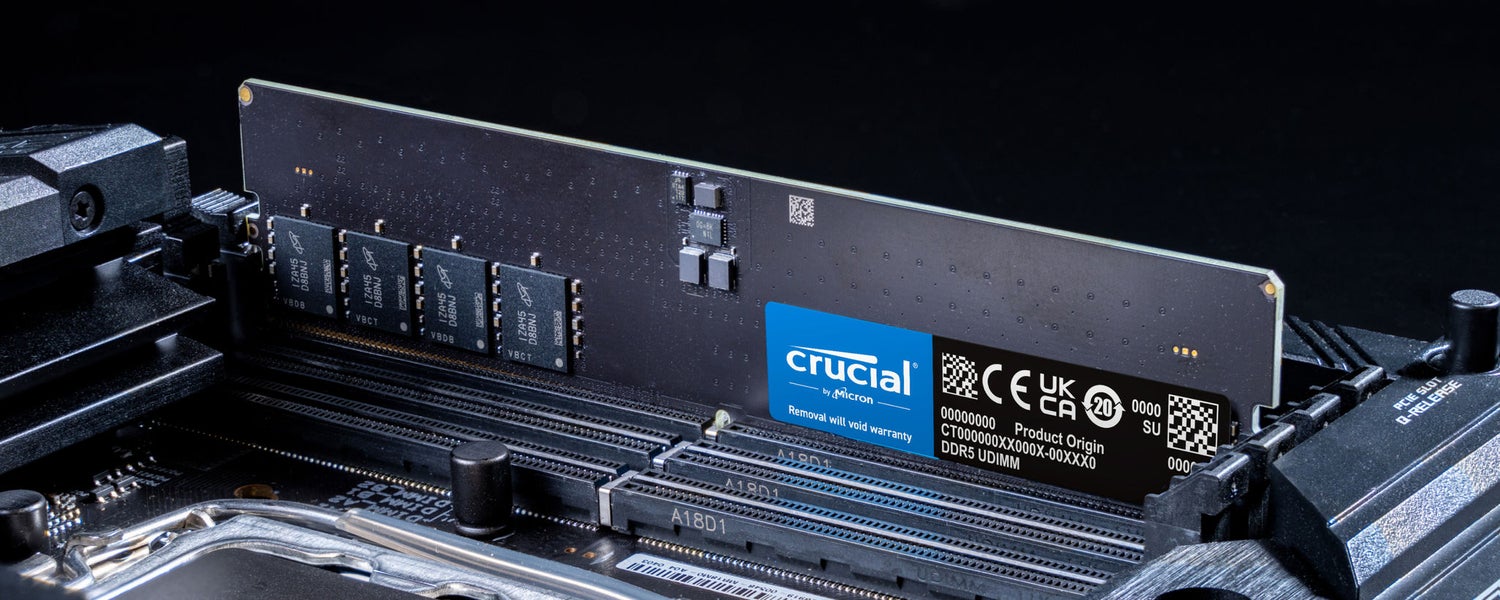
The latest generation, DDR5, was released in 2021 and offers next-level performance for serious gamers and professional creatives.
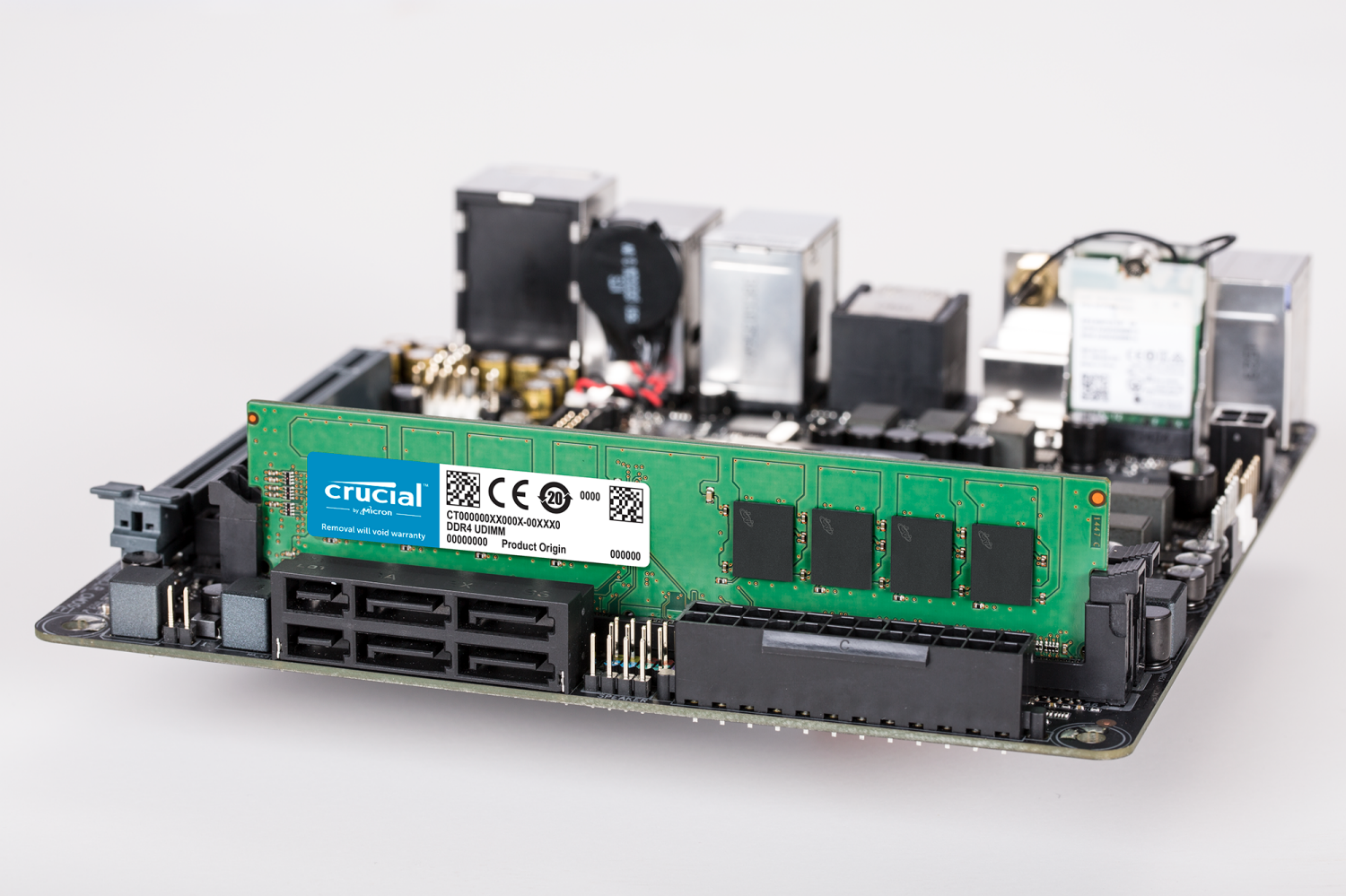
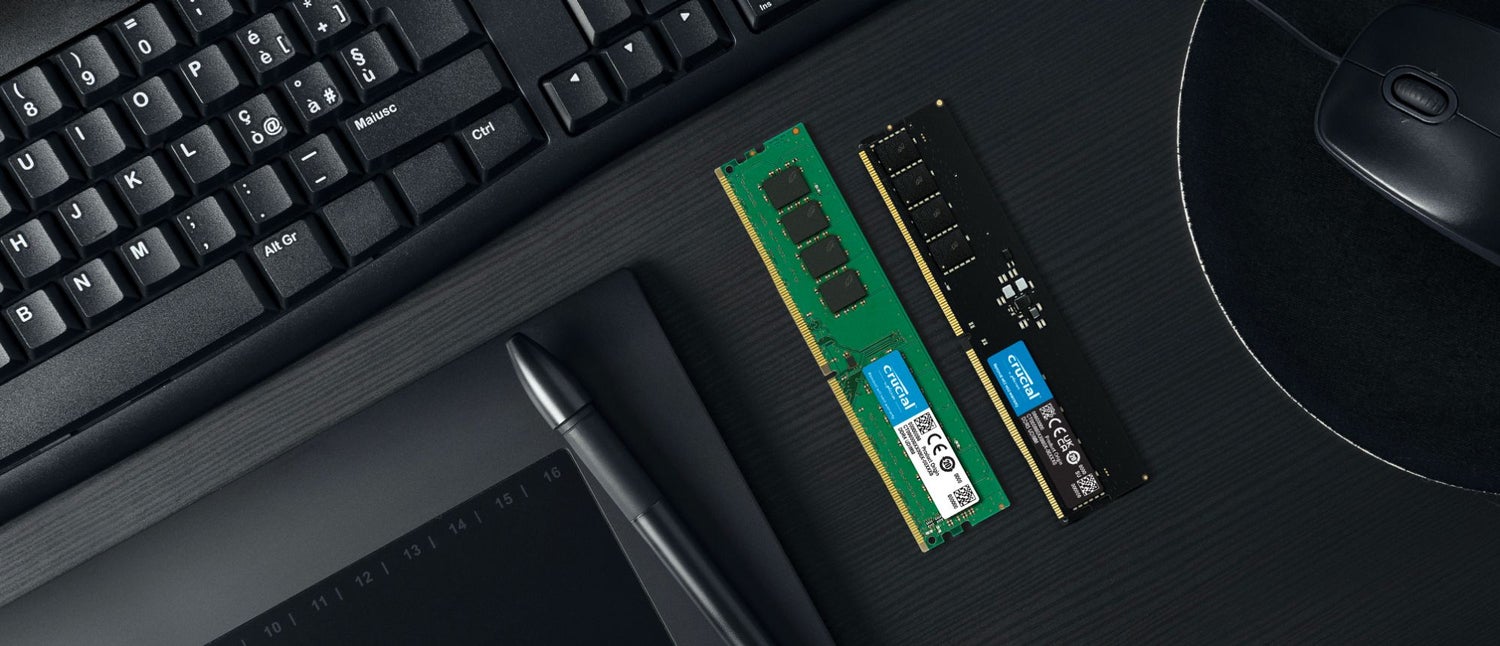
It important to determine what generation of memory your computer supports before buying new RAM. DDR5 memory, for example, will not fit on a motherboard built to support DDR4. Check with your motherboard manufacturer to ensure you have the right memory. Or, easier yet, use the Crucial System Scanner or System Selector to find guaranteed compatible memory for your computer.
Comparing RAM performance
Different generations of RAM also have key performance factors, shown in the table below. Of these, only data rates, transfer rates, and module densities can be chosen by the end users. Other factors like prefetch and voltage are unchanging characteristics associated with the memory generation.
- Data rate (MT/s): MT/s stands for mega transfers (or million transfers) per second and is an accurate measurement of data rate transfer speeds.
- Transfer rate (GB/s): GB/s stands for Gigabits per second, and is a unit of data transfer rate equal to 1,000,000,000 bytes per second.
- Module densities (GB/s): Density refers to the total capacity of a memory module. Typically, density modules are available in multiples of four: 4, 8, 16, 32, and 64, and can be sold as single modules or in kits. In some cases, intermediate densities of 24 and 48GB are offered as well.
- Prefetch: the loading of a resource before it is required, which decreases the time waiting for that resource later on.
- Voltage (V): RAM voltage refers to the power consumed by a RAM module. Generally, lower voltage is preferred as it consumes less power and generates less heat.
| DRAM | DDR | DDR2 | DDR3 | DDR4 | DDR5 | |
| Prefetch | 1 – Bit | 2 - Bit | 4 - Bit | 8 - Bit | Bit per Bank | 16 - Bit |
| Data Rate (MT/s) | 100 - 166 | 266 - 400 | 533 - 800 | 1066 - 1600 | 2133 - 5100 | 3200 - 6400 |
| Transfer Rate (GB/s) | 0.8 - 1.3 | 2.1 - 3.2 | 4.2 - 6.4 | 8.5 - 14.9 | 17 - 25.6 | 38.4 - 51.2 |
| Voltage (V) | 3.3 | 2.5 - 2.6 | 1.8 | 1.35 - 1.5 | 1.2 | 1.1 |
RAM compatibility
If you want to upgrade your computer's memory or build your own computer, your new memory must be compatible with your RAM must be compatible with your motherboard.
Due to their unique size, shape, and electrical parameters, memory modules will only fit in the generation of motherboards they are designed for.
These memory 'standards' are controlled by the Joint Electron Device Engineering Council, more commonly known as JEDEC, an independent semiconductor engineering trade organization.
Memory compatibility tools
The Crucial System Scanner is a tool that makes finding compatibility memory effortless, and without accessing any of your personal data.
Trusted by millions of users, it analyzes your system's configuration and provides a list of compatible upgrades in seconds.
The Crucial System Selector is an online tool that doesn't require a download. Instead, it will give a list of compatible upgrades based on information you provide about your system's manufacturer, make, and model.