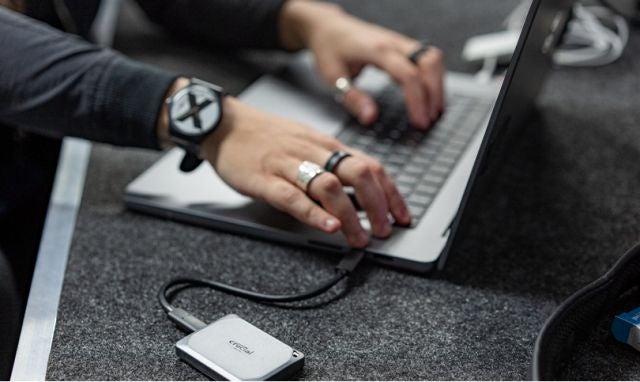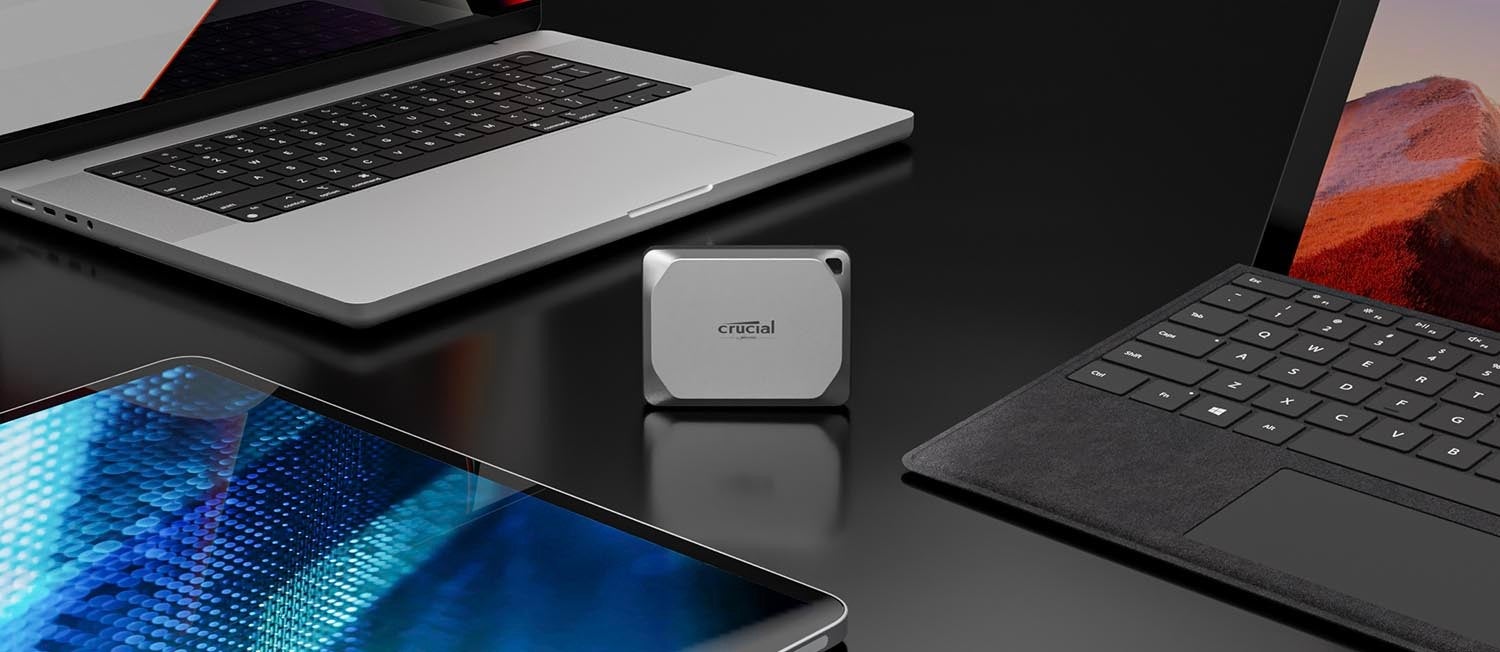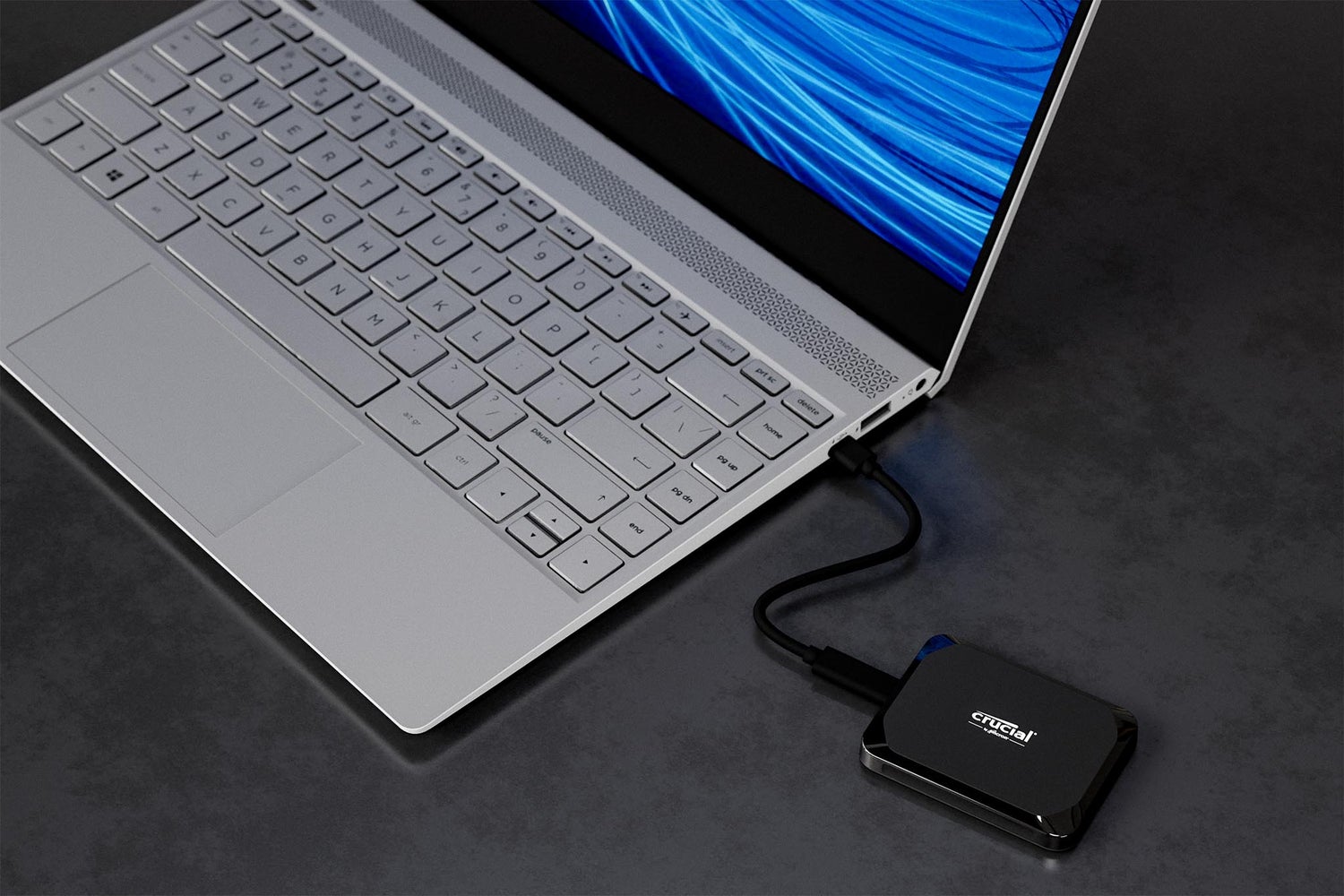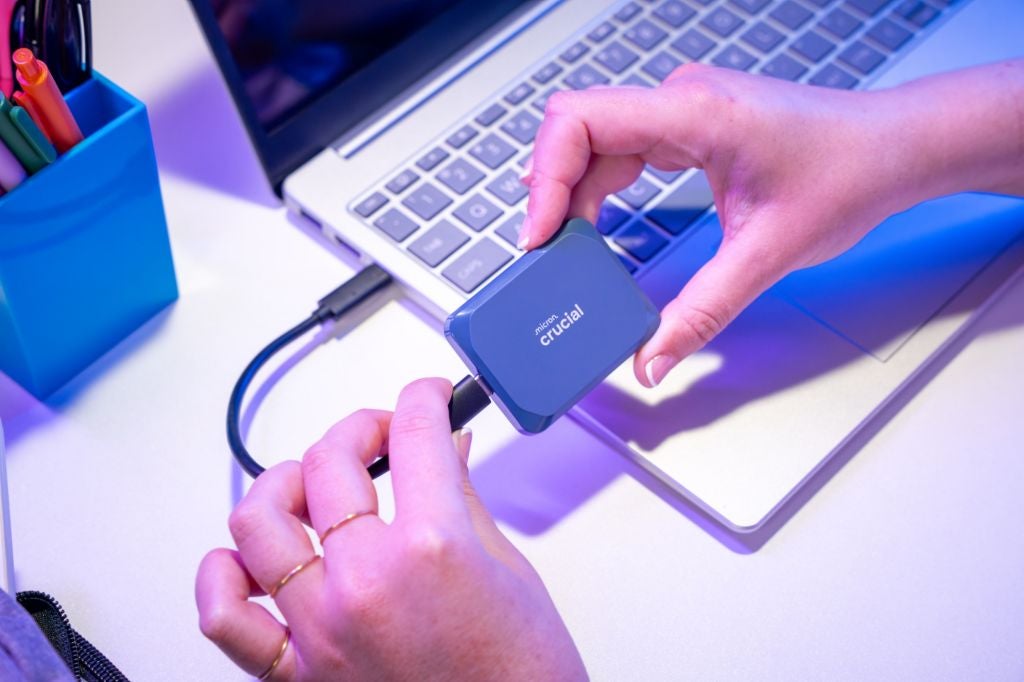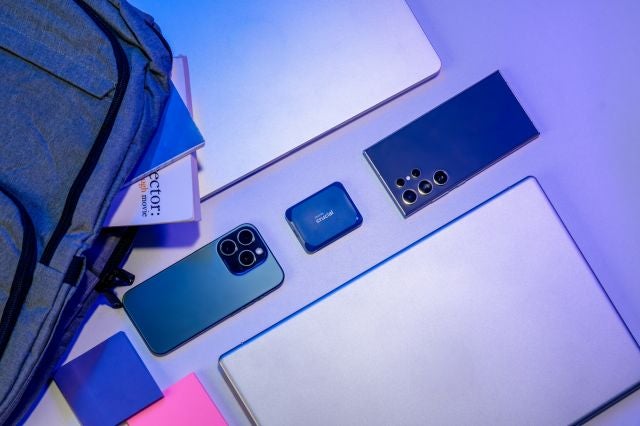
A portable SSD is a compact, external solid-state drive used for high-speed data storage and transfer. External storage drives (external hard drives or external SSDs) were engineered so that users could store data on a device outside their computer. A subset of external drives are portable hard drives and portable SSDs, which are designed to be disconnected from your computer and taken with you wherever you need your data. The difference between portable hard drives and portable SSDs is that SSDs are a newer technology with durability, speed and energy advantages over hard drives.
What is a portable SSD?
A portable SSD is a compact, external solid-state drive used for high-speed data storage and transfer. Portable SSDs are often used as secondary storage devices so that you can easily:
- Add fast storage to a computer with internal storage that’s almost full
- Enjoy more films, videos, music and pictures without swapping out the drive inside your computer
- Store copies of large games so that you don't have to download to play them
- Keep backups of important documents in case your computer fails, is lost or stolen
Many SSDs come pre-installed with additional security features such as encryption tools and automatic backup schedulers to help with these tasks.
Crucial offers a full suite of external SSD options for quick, convenient plug-and-play storage:
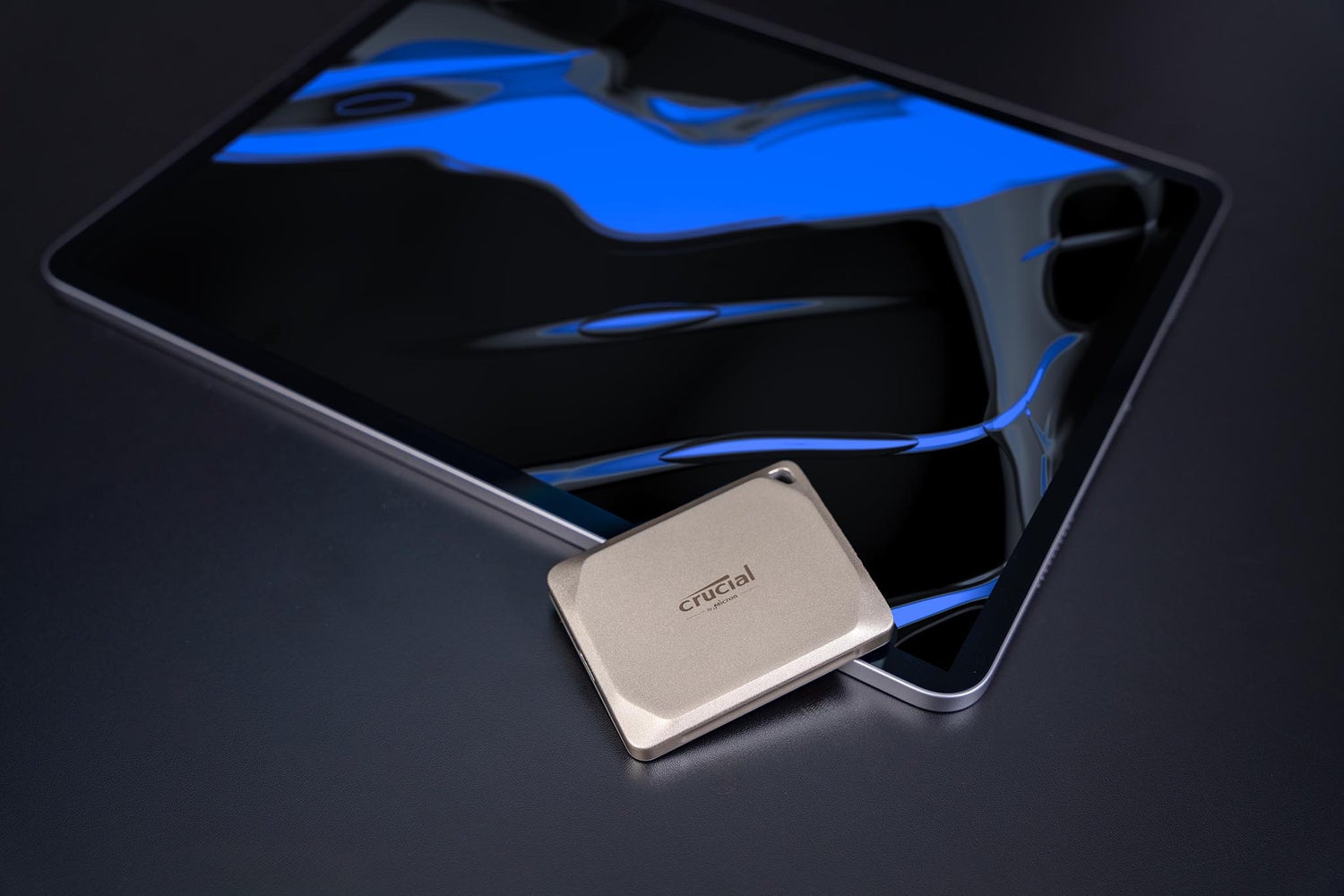
- The Crucial X10 Pro offers blazing read and write speeds for video professionals and others who need high performance in a portable drive
- The Crucial X10 offers expansive storage for content creators and students who need a lot of space in a durable, portable format.
- The Crucial X9 Pro offers fast read and write speeds for photographers and those needing sustained performance through the life of the drive
- The Crucial X9 is an affordable storage option that’s 7.5x faster than hard drives, which makes it perfect for everyday backups and storage for photos, videos and files
What is an external SSD?
An external SSD is a portable storage device that connects to a computer or other digital device via interfaces like USB or Thunderbolt. External SSDs are commonly used for backing up important files, transferring large amounts of data quickly, and expanding the storage capacity of devices without the need to open them up.
Portable SSDs are a specific type of external SSD designed for mobility and convenience. They offer the same high-speed data transfer and durability but are typically more compact and lightweight, making them easy to carry around. This portability makes them ideal for users who need to access or transfer large files on the go, such as photographers, videographers, and business professionals. Additionally, portable SSDs often come with rugged features like shock resistance and water resistance, enhancing their reliability in various environments. Overall, portable SSDs combine the benefits of external SSDs with enhanced convenience and durability for users who need reliable storage solutions wherever they are.
External SSDs vs. external HDDs
We mentioned that SSD and HDD technology is different. But what are the differences, and how are SSDs better?
An HDD stores data on a spinning platter accessed by a mechanical arm, whereas an SSD uses a grid of electrical cells to store data like a giant flash drive.
For both internal and external hard drives, SSDs are faster, more durable, and can take up less space for the same amount of data storage.
And while portable HDDs require their own cumbersome power supply, an external SSD can happily run straight from a USB port.
Portable SSDs are also compatible with a wide range of devices, meaning you can use them with PCs, Macs, phones, games consoles and more!
Portable SSD speeds
If you want to quickly transfer large amounts of data or run data-intensive programs without clogging up your computer, then a portable SSD is for you:
- The Crucial X9 offers speeds up to 1,050MB/s, which is up to 7.5x faster than hard drives
- The Crucial X9 Pro has sustained read and write speeds up to 1,050MB/s, which means the drive speed will not slow down as it fills up
- The Crucial X10 Pro has blazing read and write speeds up to 2,100MB/s, which is a whopping 15 times faster than many traditional hard drive
With durable engineering and 7.5-foot drop ratings6, Crucial external SSDs are dependable enough to keep your apps, programs and files safe – no matter where you need to access them.
Portable SSD compatibility
All Crucial portable SSDs work with the following2:
- Windows® 10, 8.1
- macOS®
- iPad Pro® (2018 USB-C model)5
- Chromebook®
- Android®4
- Linux®
- PS4® and PS4 Pro®3
- Xbox One®3
- PS5 or Xbox Series X3
They are also USB-C ready straight out of the box, or you can add a USB-A adaptor for use with older ports.
All Crucial portable SSDs are backed by a 3-year worldwide limited warranty, which gives you trusted dependability and durability in a drive that could easily last longer than the devices you will pair it with.
Get the most out of your portable SSD
To keep your portable SSD running strong:
- Maintain 10-15 percent of your external SSD as free space, as writing speeds on most drives can be directly affected if it's near full capacity. Crucial Pro SSDs have higher sustained writing speeds for those who want the best performance out of fuller drives.
- Update your firmware to ensure that bugs or technical issues are corrected to maintain peak performance.
- Many SSDs are designed so that trim can be used to permanently delete data no longer being used. If your system doesn’t support trim, consider upgrading to one that does.
- Use a Self-monitoring, analysis, and reporting technology (SMART) monitoring system such as Storage Executive to track the health of your portable SSD external hard drive.
FAQs for portable SSDs
1. MB/s speed measured as maximum sequential performance of device as measured by Crucial on a high performance desktop computer with Crystal Disk Mark (version 6.0.2 for x64). Your performance may vary. Comparative speed claims measured as maximum sequential performance of similarly situated portable SSD’s, mainstream portable HDD’s and mainstream USB flash drives from vertically-integrated manufacturers selling under their own brands as at June 2019.
2. Compatibility may vary and may be contingent on device formatting and host capabilities. For more information, see https://crucial.com/support/x8.
3. Latest firmware may be required for operation. For more information, see https://crucial.com/support/x8.
4. Compatible Android devices must be able to work with USB Mass Storage over OTG. Operating system updates and reformatting may be required. For more information, see https://crucial.com/support/x8.
5. iPadOS 13 required for the Crucial X8 to work with iPad Pro devices with USB-C port. For more information, see https://crucial.com/support/x8.
6. Up to 7.5 ft/2 m without impact to data on drive on a carpeted floor.
7. Based on average photo size of 6MB, video at 4K/60fps in H246 format at 24GB/hr, and average music file at 4MB each.